
🎉 Try it free — use code CAPTUREFREE at checkout · Limited to the first 30 people

Built for Trinidad & Tobago

Renew your driver's permit online —
without the stress.

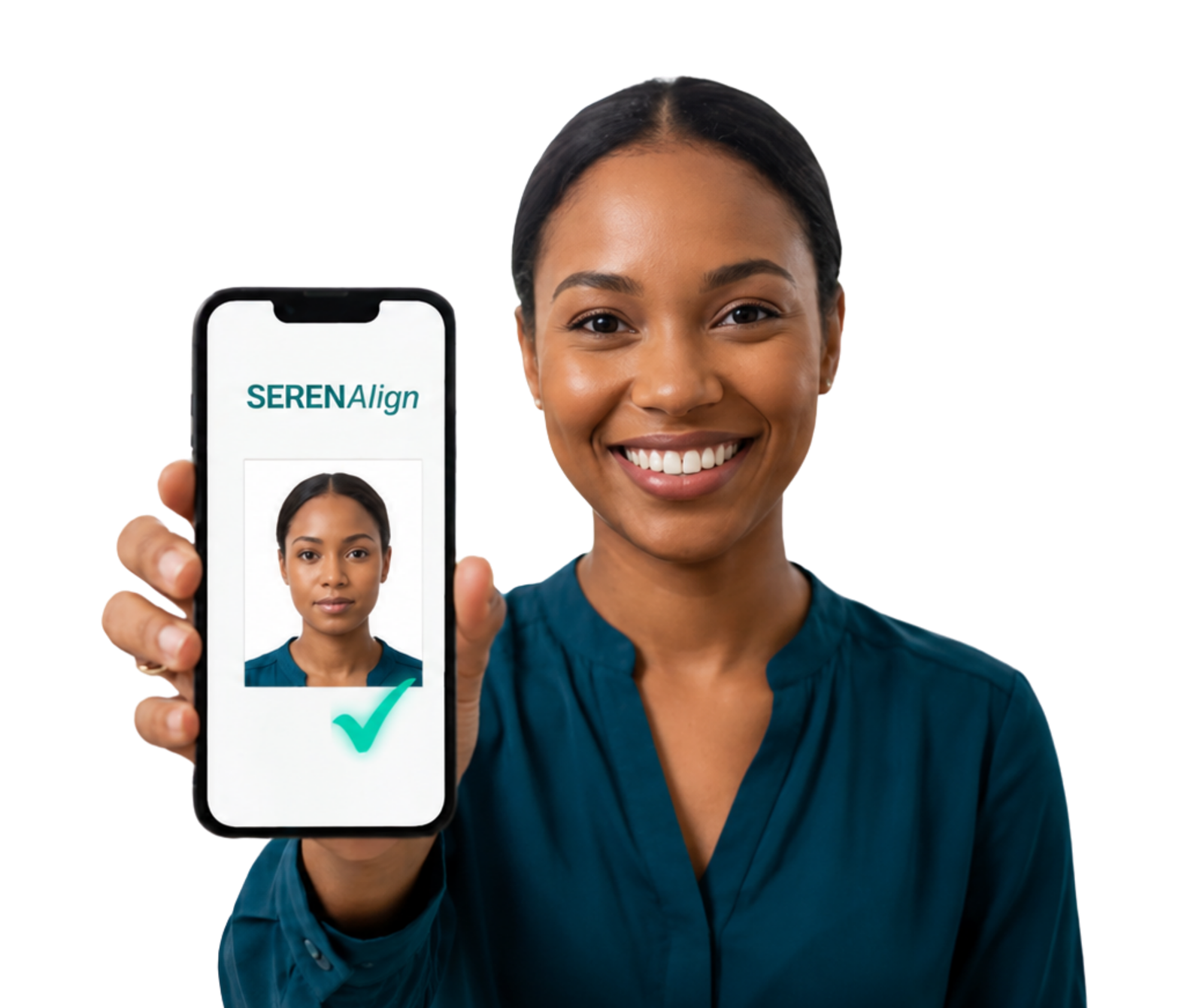
Get your permit renewal files right the first time. SerenAlign prepares your photo and signature to meet official Trinidad & Tobago requirements in minutes. Also handles learner's permits, school and Company ID's as well.

Prepare My Files
Secure Private Portal Ready
Why SerenAlign™

The easiest way to prepare your permit photo.

Renewing your driver's permit online shouldn't take all day.

Without SerenAlign™
  • Upload your photo. Not sure if it's right
  • Struggle with complex photo editing software
  • Retake photos over and over
  • Waste time figuring it out yourself
  • Give up and go in person
With SerenAlign™
  • Take your photo easily in app or upload it once — any size, any device
  • Face detected and aligned automatically — no manual cropping
  • Resized and formatted to the exact government specification
  • Download and submit directly to the portal — first try
  • Done in under 5 minutes
What You Get

Everything you need to submit.

No extra tools. No guesswork. Just the exact files the portal accepts.

JPG
Permit-Ready Photos
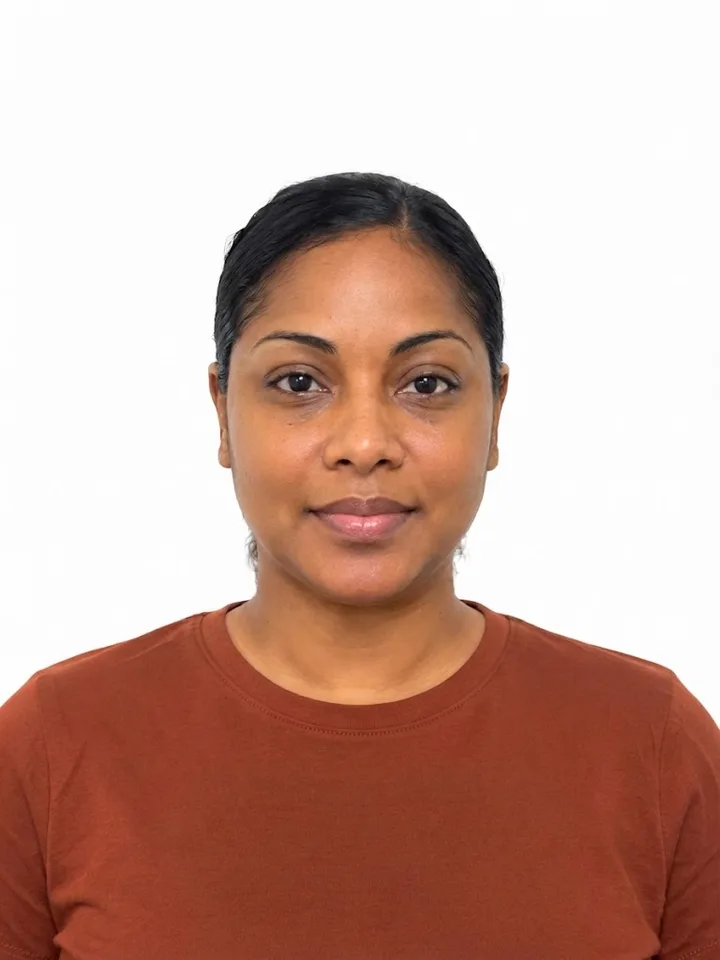
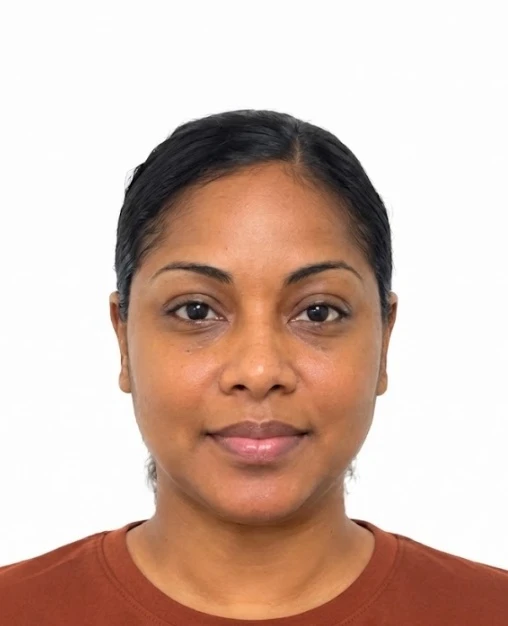
Correct pixel size, proper headspace, right file format — formatted to the exact T&T government specification every time.
PNG
Clean Digital Signatures
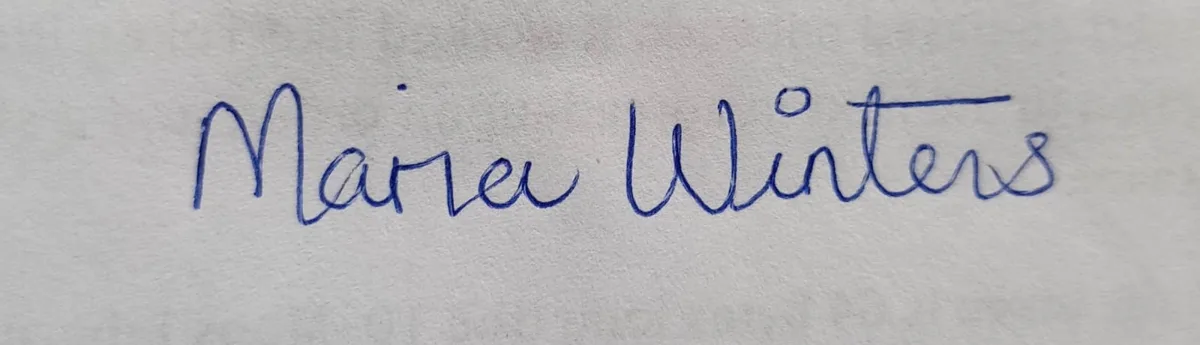
Snap your signature on paper. We turn it into a clear, transparent PNG that meets the portal's requirements.
ANY
Works on Any Device
Phone, tablet or computer — no app to download. Open your browser, upload your photo and you're done.
Preview

See your final photo before you pay.

Your face is automatically aligned and formatted — preview your photo before downloading.

Formatted preview
Meets required format Ready for upload No further edits needed
How it Works

Ready to submit in four steps.

No technical skills needed. If you can take a photo, you can use SerenAlign™.

01
Take or Upload
Take your photo in app or choose your photo from your phone or computer — JPG or PNG works fine.
02
Auto-Align
Your face is detected automatically and cropped to the correct headspace for your document type.
03
Format
Photo sized to exact government spec — driver's permit, school ID, learner's permit and more.
04
Submit Once
Pay, download your file and upload directly to the portal. Done — no back and forth.
Built to meet Official Requirements
Built to the exact T&T licensing portal specifications — driver's permits, company IDs, school photos.
Privacy First
Once supported, your photo is processed entirely on your own device, then stored in an encrypted vault for delivery. Files are auto-deleted within 90 minutes.
Fast & Simple
Most users complete their photo in under 5 minutes. No account, no signup, no fuss.
Pricing

One-time pricing. No subscriptions. No surprises.

Pay once, download instantly.

Photo Only
$25 TTD
  • School IDs, learner's permits, company IDs
  • One correctly formatted photo
  • Free redo if needed — valid for 7 days
  • Payment processed securely with WiPay
Get Started →
Common Questions

Good to know

Do I need technical skills to use SerenAlign?
No technical skills needed. If you can take a photo and tap a button, you can use SerenAlign™. We handle all the formatting automatically.
Can I take my photo directly on SerenAlign?
Yes. On mobile devices you can take your photo directly using your smartphone back camera within SerenAlign, or upload an existing photo from your gallery. Both options are available on the photo upload screen.
Is my photo private and secure?
Yes. On most modern devices, your photo is processed entirely on your own device, then stored in an encrypted vault for delivery. On older devices, processing happens in a secure cloud environment. Either way, your files are automatically deleted within 90 minutes of upload and never shared with third parties.
What documents does SerenAlign format?
SerenAlign formats driver's permit photos (classes 1 & 3), learner's permits, school IDs, and company ID photos — all to exact T&T government specifications.
What photo sizes does the T&T licensing portal require?
The T&T licensing portal requires driver's permit photos to be 5.3 x 4.3 cm in JPG or PNG format. Signature files must be 300 x 300 px minimum. SerenAlign automatically formats your files to these exact specifications.
Can I use SerenAlign for passport photos?
SerenAlign is not for Trinidad and Tobago passport photos — those are taken directly at the Immigration office during your appointment. However, SerenAlign does format passport-style photos for school IDs, company IDs and similar documents.
Does SerenAlign remove the background from driver's permit photos?
Background removal is not available for driver's permit photos. It is available for school ID and company ID photos only. For best results, take your photo against a plain white wall.
Can SerenAlign improve my photo quality?
SerenAlign formats your photo to the exact specifications required — it does not enhance photo quality. The formatted output reflects the quality of your original image.
What if my formatted photo needs adjusting?
Every order includes a free redo linked to your email, valid for 7 days. Access your free redo on the app page or reach out via WhatsApp at no extra cost.

Your permit photo,
ready in minutes.

Most users complete this in less than 5 minutes.

Prepare My Files