Permit photo
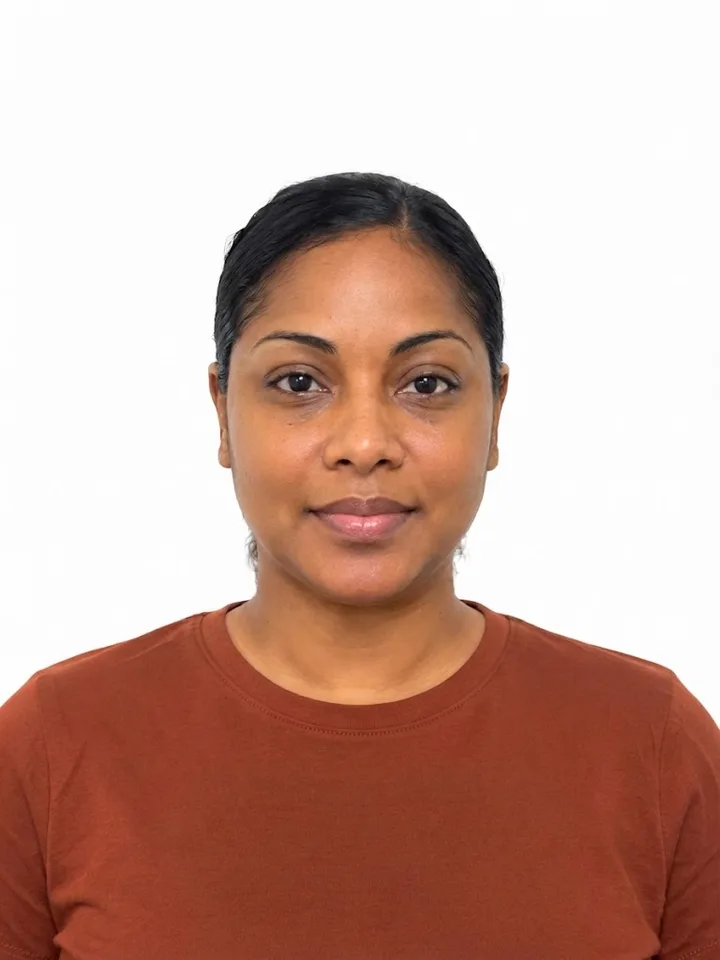
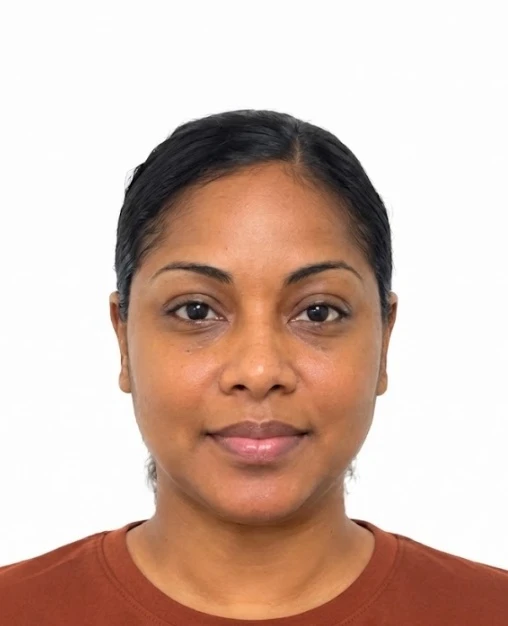

Take a photo with your phone. SerenAlign aligns and formats it for your application, and cleans up your signature too. Preview your files before you pay, then download them without juggling extra apps.
Driver's permits, learner's permits, school IDs and company IDs · No account needed
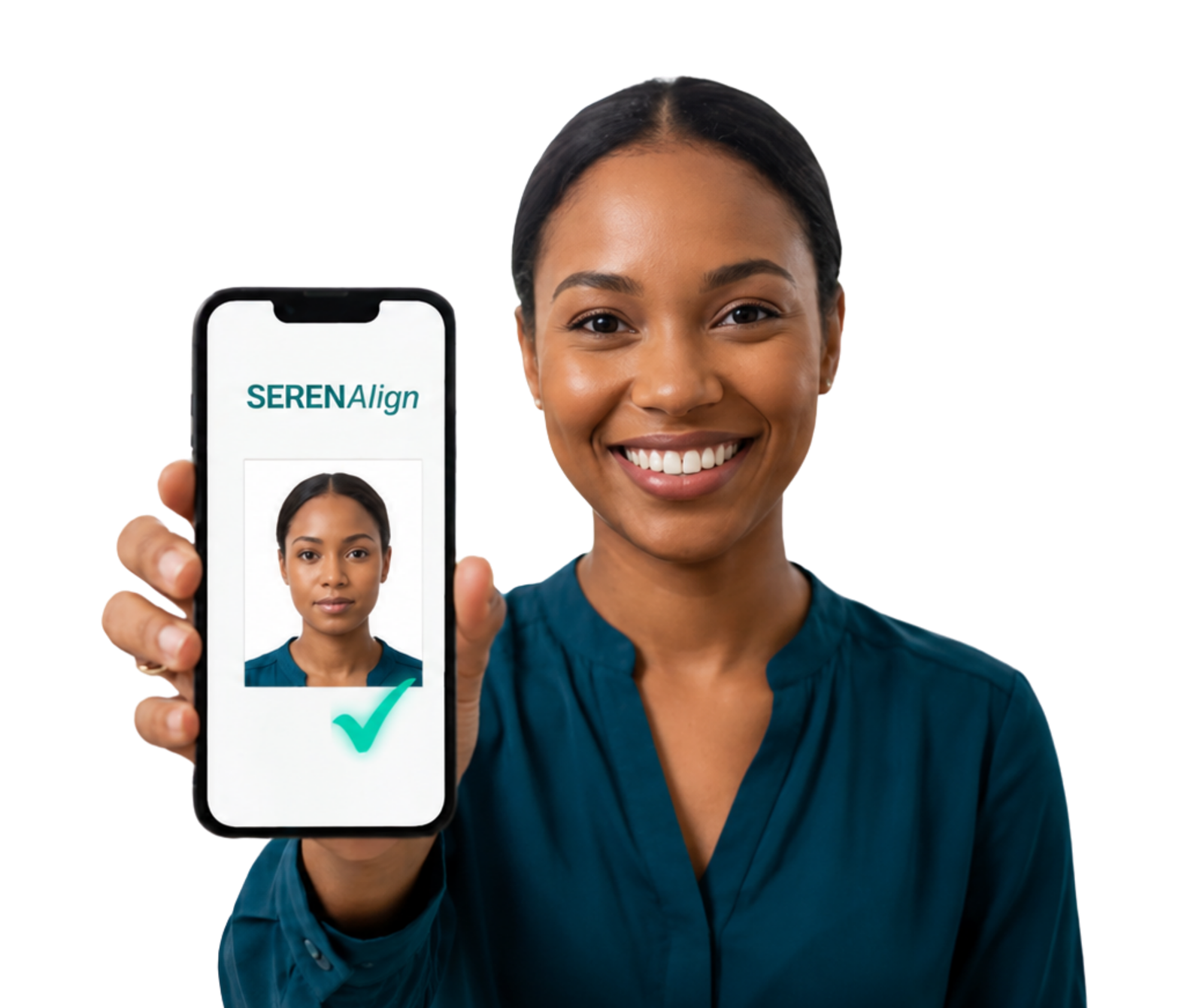
SerenAlign handles the fussy formatting. You stay in control of the photo and can check it before payment.
Capture a photo in the app or select one from your device.
Your face is detected and aligned; the image is cropped and sized for your selection.
See the formatted photo and make adjustments before payment.
Pay once and download the prepared file for your application.
A phone photo and a signature on paper go in. Files sized and cleaned for your application come out, and you see them before you pay.
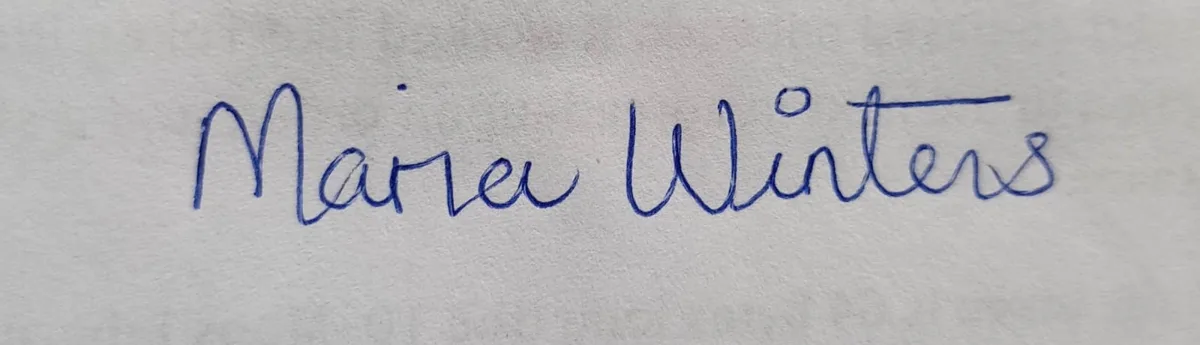

Tap any image to see it larger. Sample photo and signature for illustration. The finished files shown are unedited SerenAlign output.
SerenAlign handles alignment, sizing and clean downloads. For a driver's permit, add a photo of your signature and get a transparent signature file as part of the bundle.
Only the processing needed to prepare and deliver your files. Your images are never sold or reused.
Your photo and signature are processed on your own phone or computer. The original never leaves your device.
Files sent for processing or delivery travel over encrypted HTTPS and are held in an access-controlled vault.
Uploaded files are automatically deleted after the short delivery window.
No subscription. Preview your formatted photo before payment.
One formatted photo for your selected permit, school ID or company ID use.
Prepare a photoA formatted driver's permit photo and a clean digital signature file.
Prepare both filesSecure payment through WiPay · One free redo within 7 days for paid orders
Yes. On a phone, you can capture a new photo in the app or upload one you already have.
No. Official ID photos are aligned, cropped and sized, without generative changes to your appearance. Start with a clear photo against a plain, well-lit background.
Signature backgrounds are removed automatically. White background replacement is optional for appropriate school and company ID photos; it is not recommended for official driver's permit photos.
Preview and adjust before you pay. Paid orders also include one free redo within 7 days.
Files are available during the 90-minute delivery window, then automatically deleted. Download and save your copy promptly.